



How Costco’s New Digital Wallet Works in the U.S.
Costco launched Costco Wallet, a feature that unifies Shop Card balances and enables mobile payments with a daily loading limit of USD 10,000. The tool allows members to pay from their mobile device in both physical stores and on Costco.com while accepting only one Visa card per account.

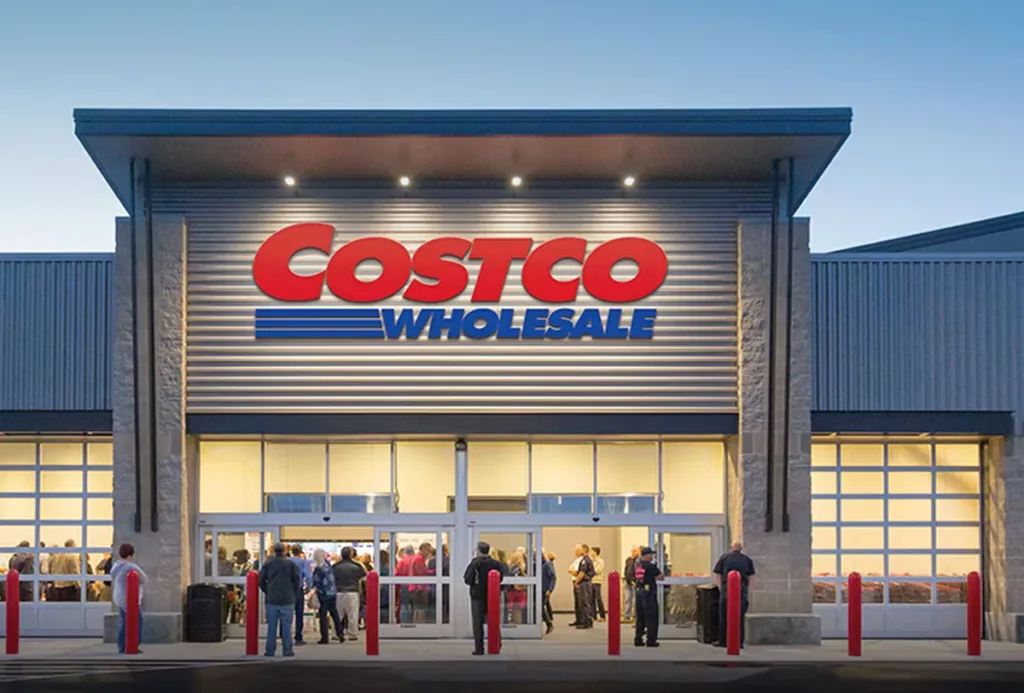
Costco launched Costco Wallet, a feature that unifies Shop Card balances and enables mobile payments. The tool has a daily loading limit of USD 10,000. It only accepts one Visa card linked per account.
Additionally, Costco integrated Costco Wallet into its digital ecosystem in the United States. The feature allows customers to pay from their mobile device both in stores and on Costco.com. Plus, it consolidates balances from multiple Shop Cards in one place.

What is Costco Wallet and how do you activate it?
According to the company’s official information, Costco Wallet is a digital space within the app. There, members can store funds from their Shop Cards and a payment method. However, the wallet first requires membership verification.
For now, the platform only accepts one Visa debit or credit card. That card must have a billing address in the United States. Therefore, it is not possible to link cards from other networks or countries.
How do you add Shop Cards to the wallet?
To add a Shop Card, the member must follow several steps within their account:
- Enter the «Account» section of the app.
- Select the «Costco Wallet» option.
- Find the «Shop Card» section.
- Choose the option to add a new card.
- Enter the Shop Card number and PIN.
This process can be repeated until reaching Costco’s limit. Once the balance is added to the wallet, the physical card shows USD 0. That’s why this change is visible to those who receive cards by email.
How do you link a Visa card in the app?
To add a Visa, the user must first enter their digital membership card. Then, they must select the «Add Payment» option within that section.
After that, you must complete three details: the expiration date, the CVV code, and the ZIP code. In some cases, the issuing bank may request additional verification via a security code.
How do you pay with Costco Wallet in store?
In physical stores, payment depends on the digital membership card. First, the member must activate the «Enable Auto-Apply» function in wallet settings.
Then, they must scan the QR code of their «Digital Membership Card» at checkout. When the terminal asks if you want to use the available balance, the customer confirms the transaction. That same screen identifies the member and grants access to stored funds.
How does payment work on Costco.com?
On the website, the mechanism works similarly to physical stores. The user activates the use of Shop Cards before completing the purchase.
Upon checkout, the system applies those available funds first. Then, it charges the remaining amount to the stored payment method, if applicable. This way, the process avoids manual calculations between different balances.
What are the limits and rules of Costco Wallet?
According to Costco’s information, the wallet has a daily loading limit of USD 10,000. That cap includes both physical and digital cards combined.
On the other hand, funds transferred from Shop Cards…
Canal oficial
Únete a nuestro canal de WhatsApp
Recibe las noticias más importantes al instante, sin spam. Solo lo que importa, cuando importa.
Etiquetas

Comentarios
Inicia sesión para comentar
Es gratis y toma un minuto. Con tu cuenta también podés:
- Comentar y participar en la conversación
- Guardar notas para leer después
- Ver tu historial de lectura
- Recibir el boletín con tus temas favoritos